Windows application installation method
Requirements
- Windows 10 or 11 on a 64-bit computer
- foobar2000, which opens and plays the music library
- Beefweb, which connects foobar2000 to lastseen.tools
- Microsoft Edge WebView2, generally already included with Windows
Installation
1. Install foobar2000
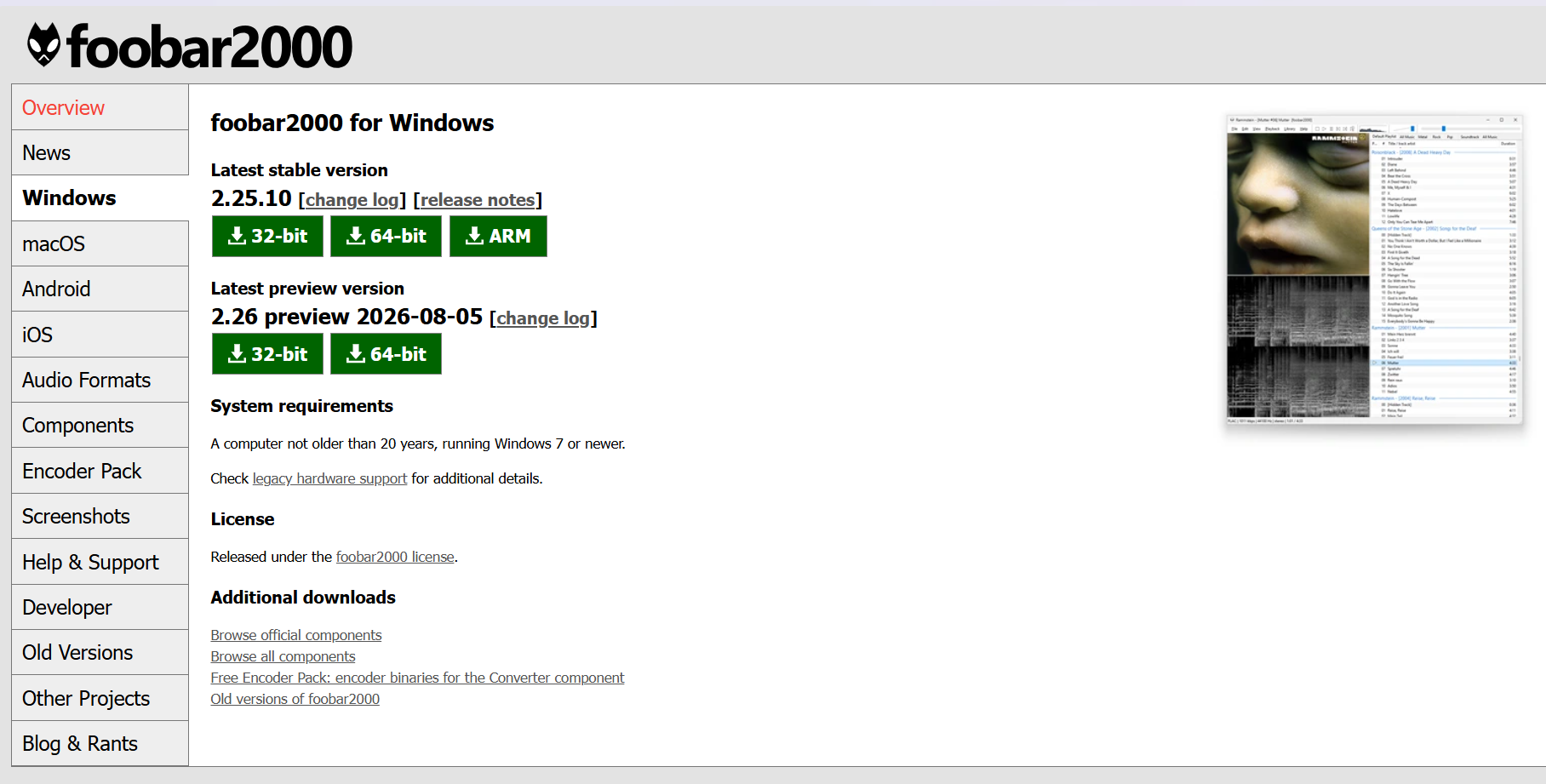
Download foobar2000 from its official website, install it, then launch it once.
2. Install Beefweb
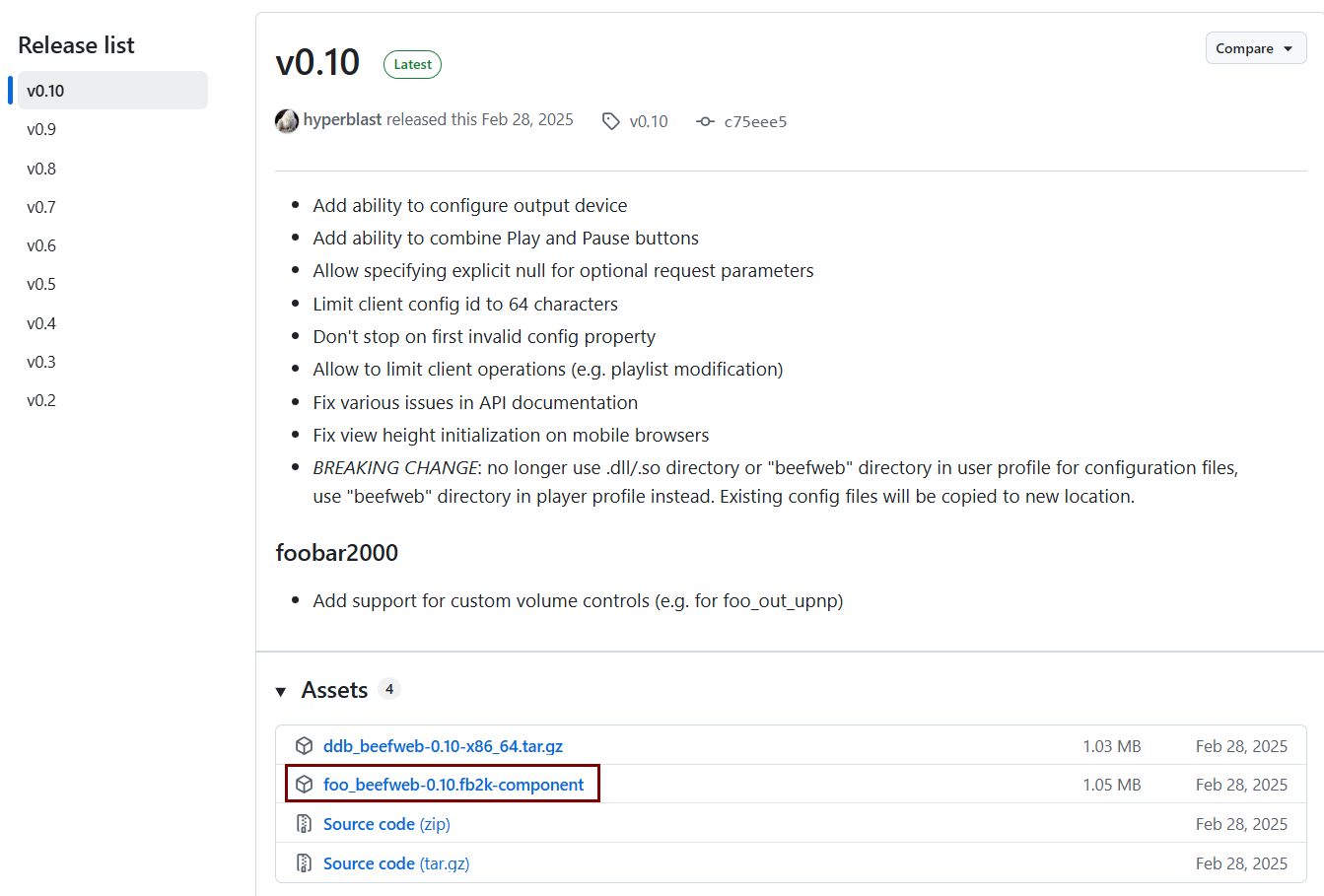
Download the foo_beefweb-*.fb2k-component file from the official Beefweb releases.
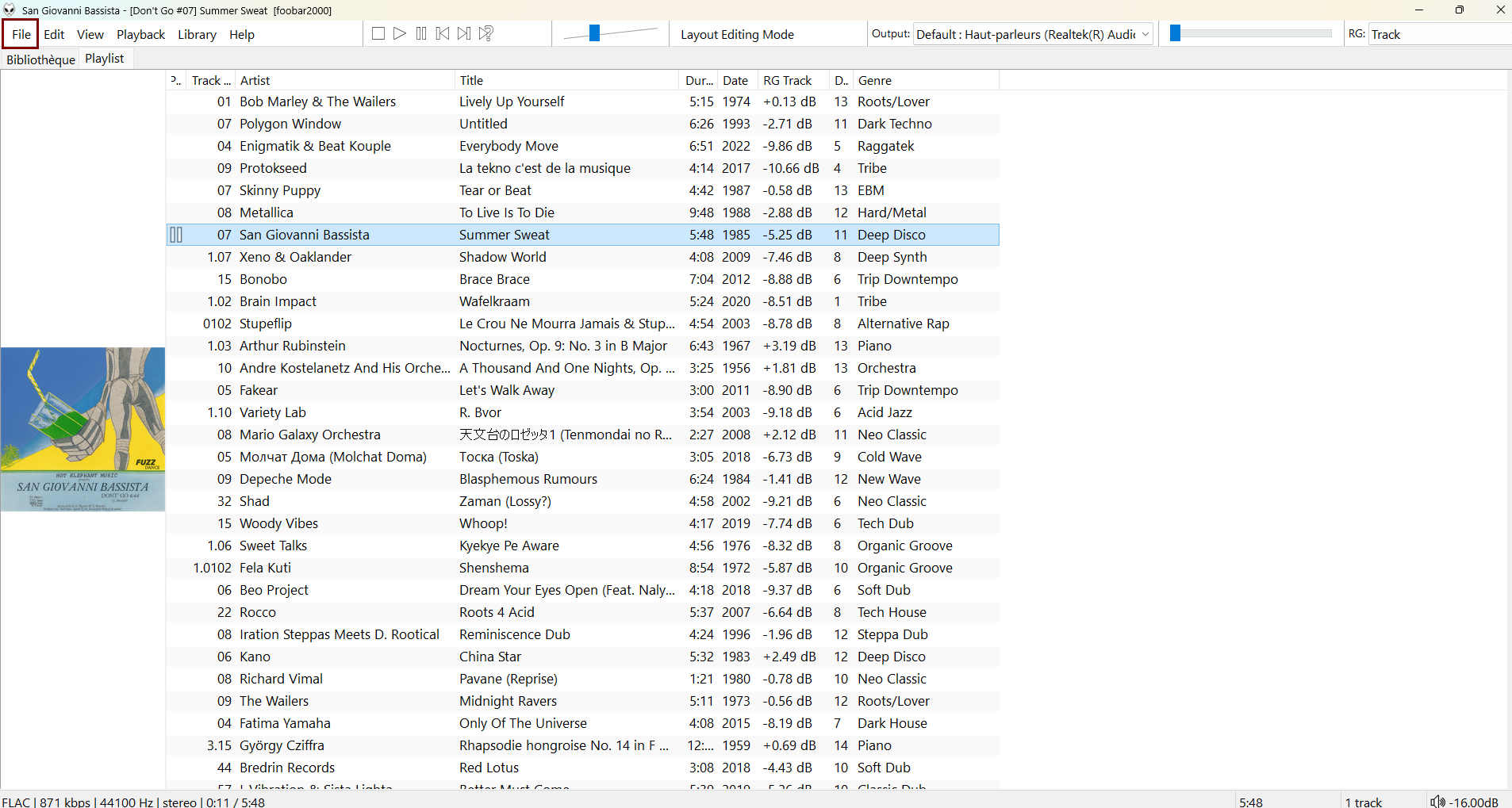
Open the file, or choose File → Preferences → Components → Install… in foobar2000.
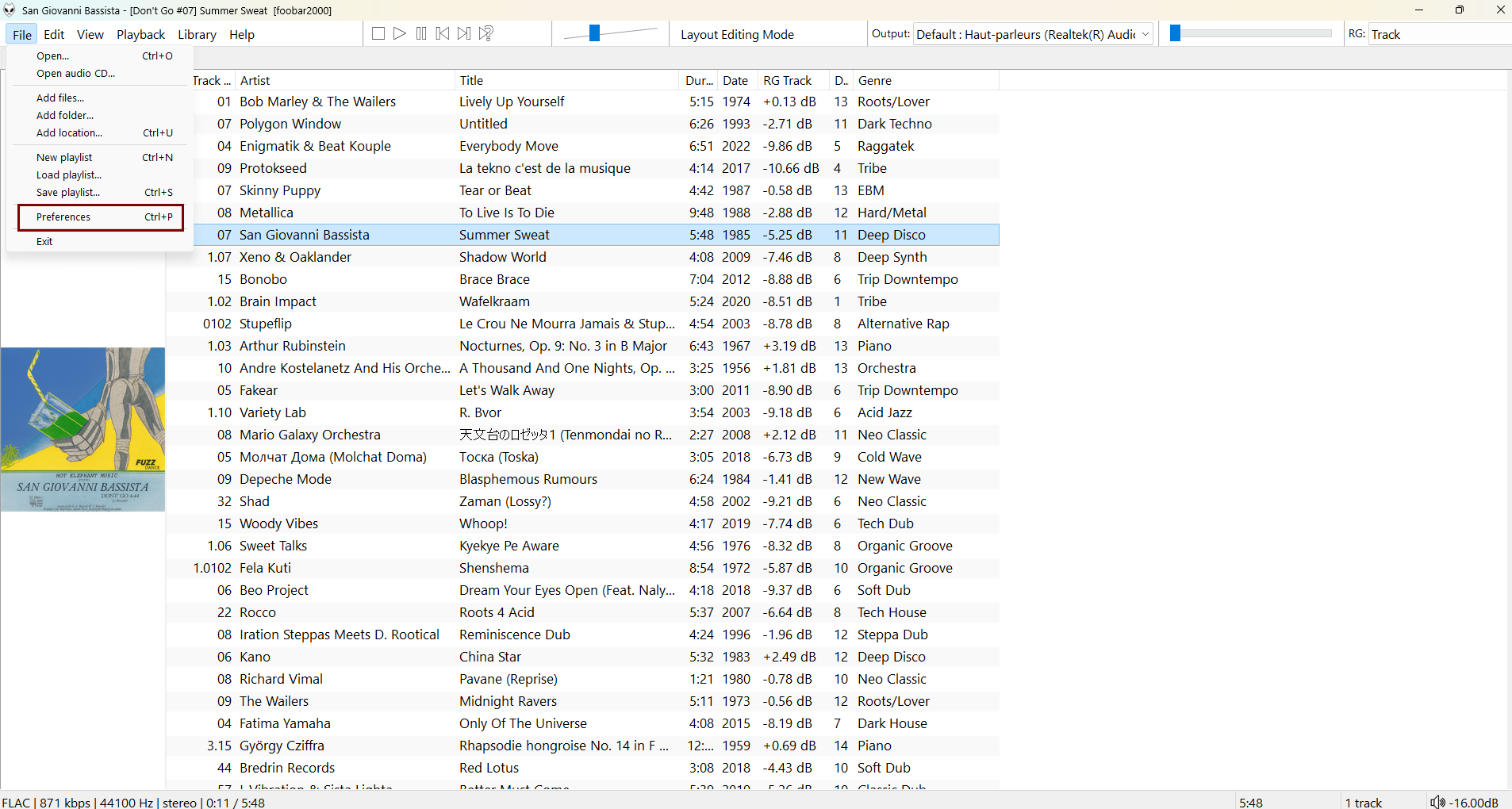
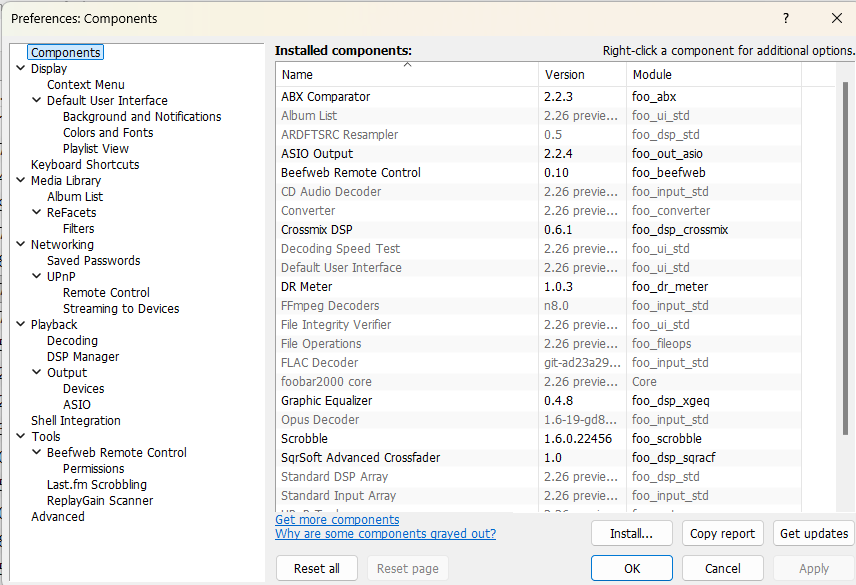
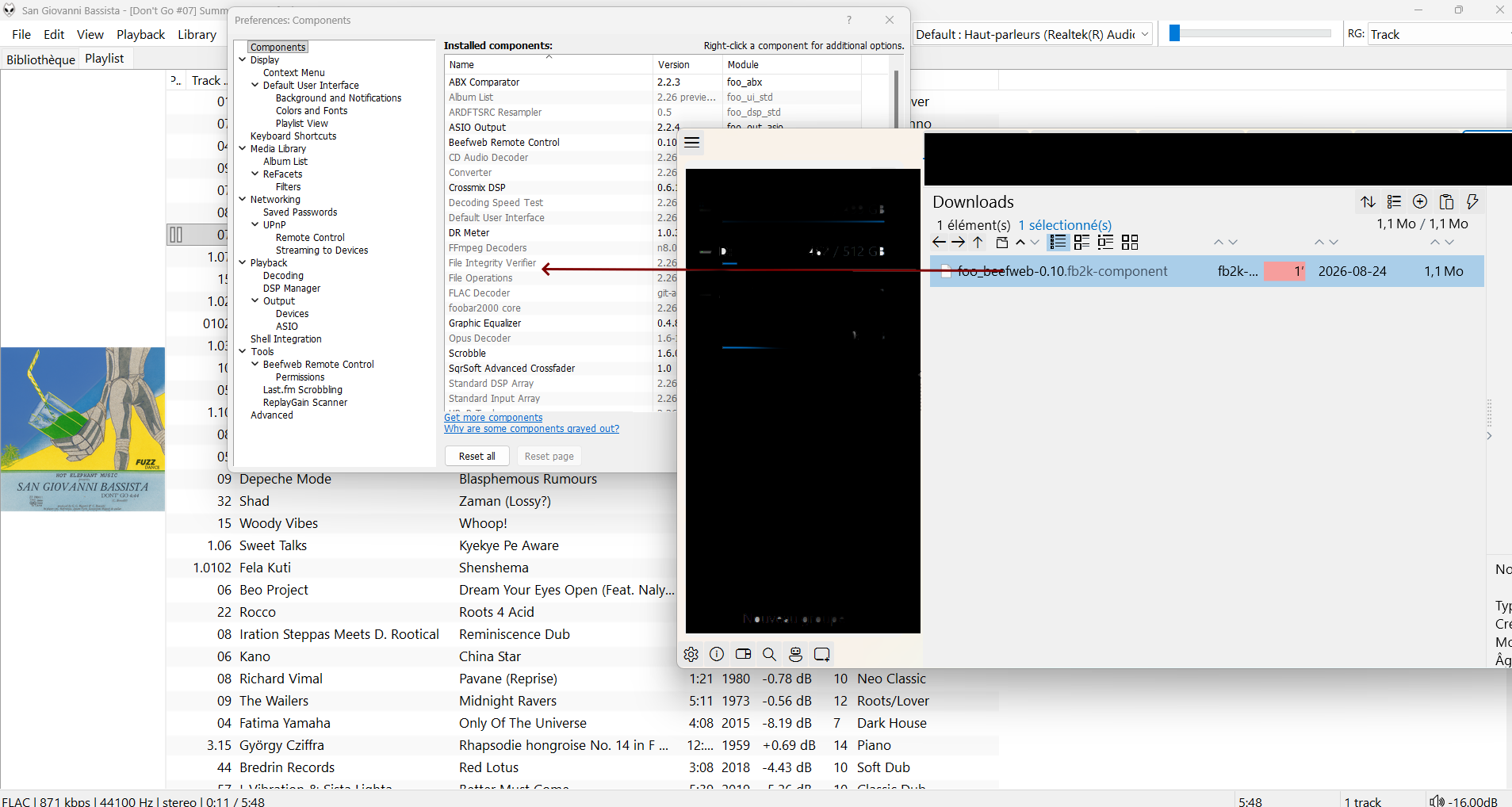
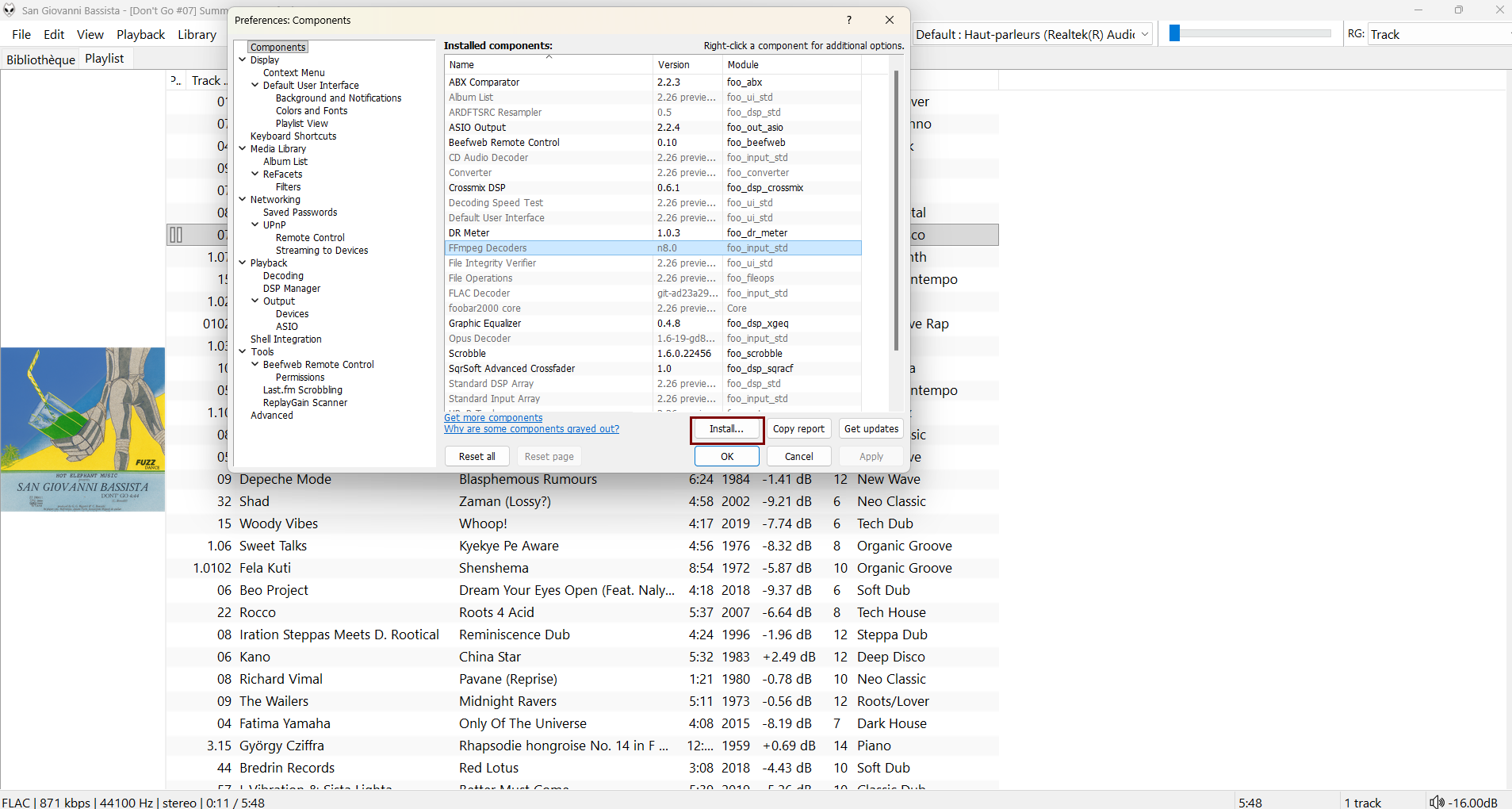
Then restart foobar2000.
3. Check the local connection
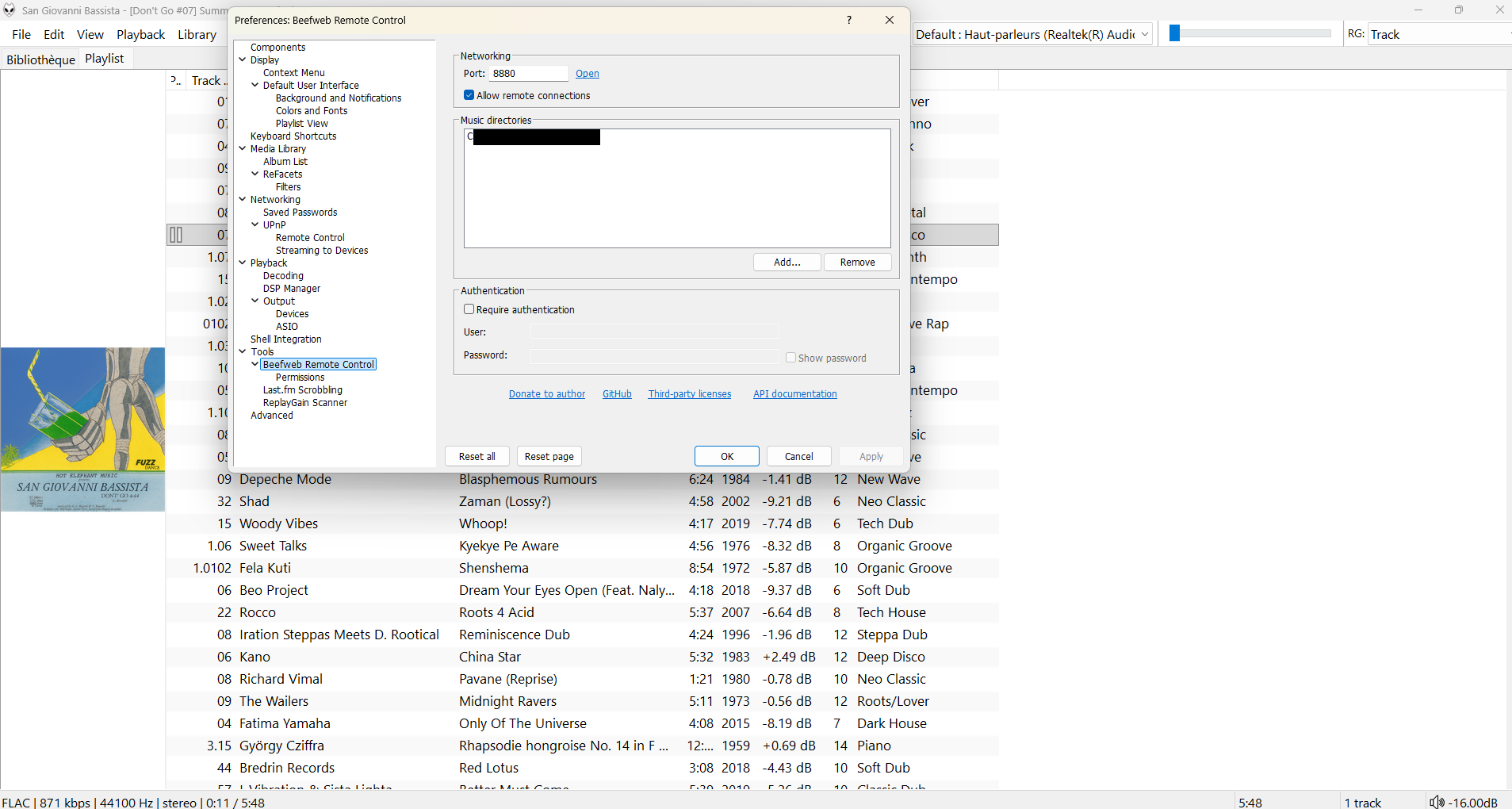
In the Beefweb settings:
- Keep port
8880 - Allow remote connections
- Add the music folder used by foobar2000
- Press Apply
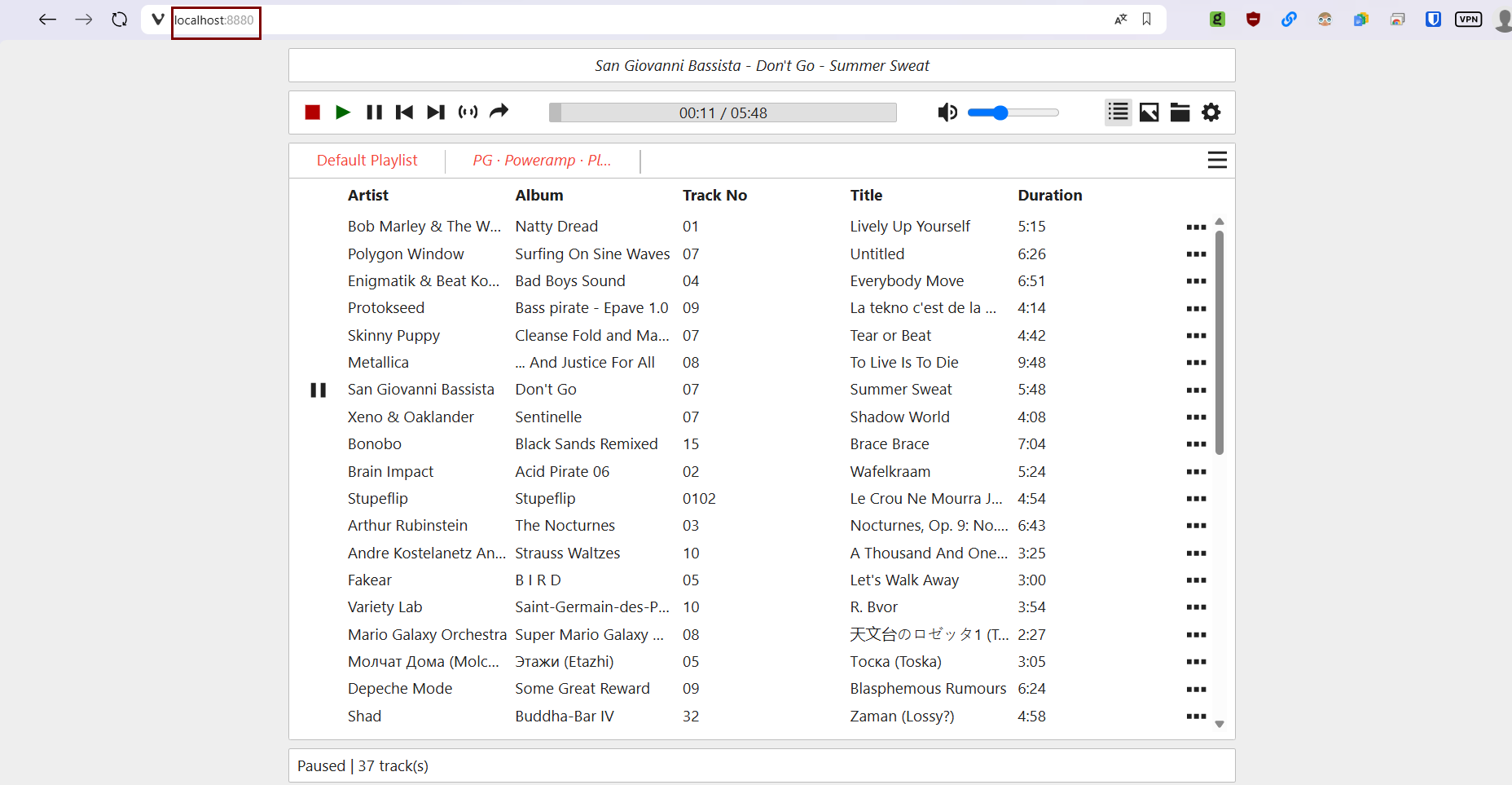
- Open a playlist with foobar
- With foobar2000 running,
http://localhost:8880should display Beefweb in a browser (this address is only needed to verify the connection)
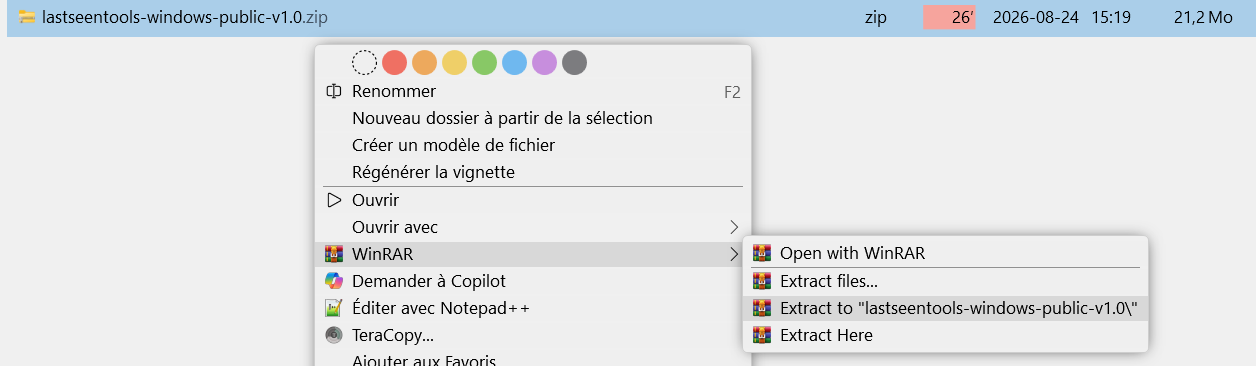
4. Extract the lastseen.tools archive
Download lastseentools-windows-public-v1.0.zip from the Windows Releases, then fully extract the ZIP into a folder.
5. Launch the application
After extraction, open lastseentools Public V1.0.exe. The application is portable: no additional installation is created.
Windows warning: the public EXE is not digitally signed. Windows SmartScreen may therefore request confirmation.
Continuity with Android
The PC player runs entirely locally. To transfer playback between Android and foobar2000, Beefweb must also be reachable from the phone on the same local network. The address and both music roots are configured in Playlist Generator on Android.